
SCS Portal
How to Sign-up
Sign-Up Instructions
-
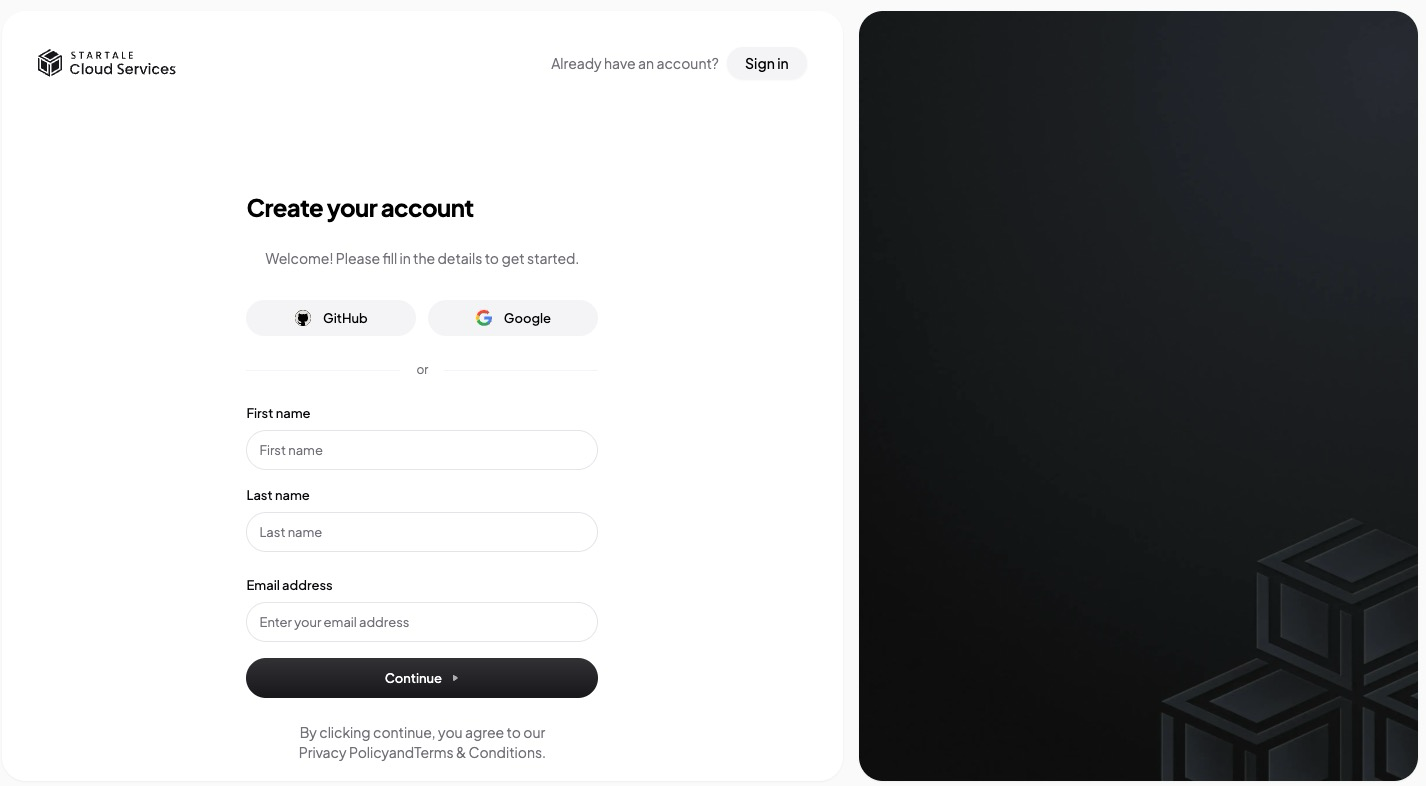
Navigate to https://portal.scs.startale.com/sign-up.
-
You can sign up using one of the following methods:
- GitHub account verification
- Google account authentication
- Email address authentication
-
Email Authentication:
- If you choose email authentication, an authentication code will be sent to your email address.
- Enter the verification code to complete the authentication process.
Registration Process
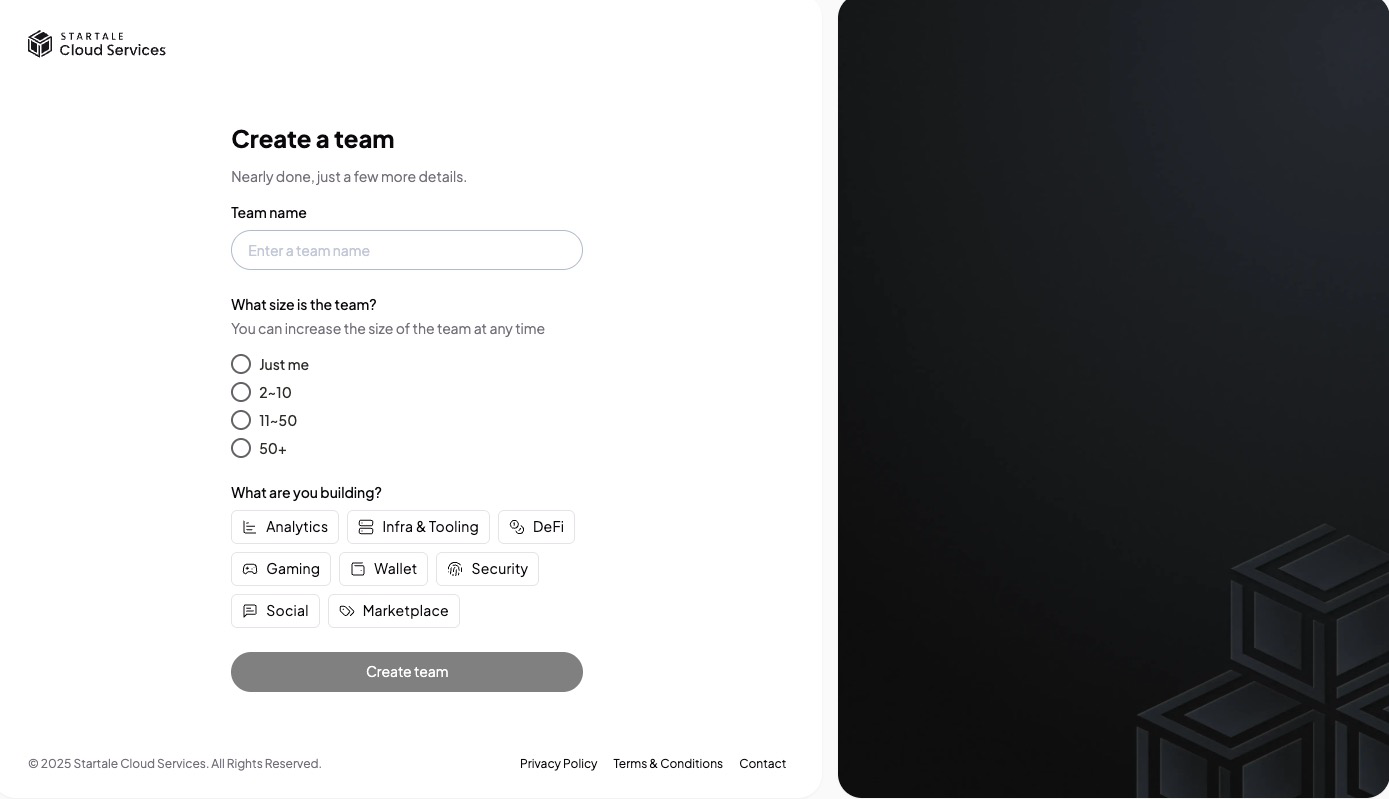
- Once you’ve signed in, create a team to get started.
What is a team?We offer a feature called "Team" for managing and administering projects in collaboration with team members.
Each user is required to create or join a team during the sign-up process.
For instructions on inviting team members, see nd administering projects in.
-
Enter a team name and the number of members you plan to create.
-
Click the Create Team button to finish the sign-up process.
-
Once the sign-up is complete, you can see
Node RPCsection and proceed to create your new endpoints.
Welcome to Startale Cloud Services—we’re glad to have you on board!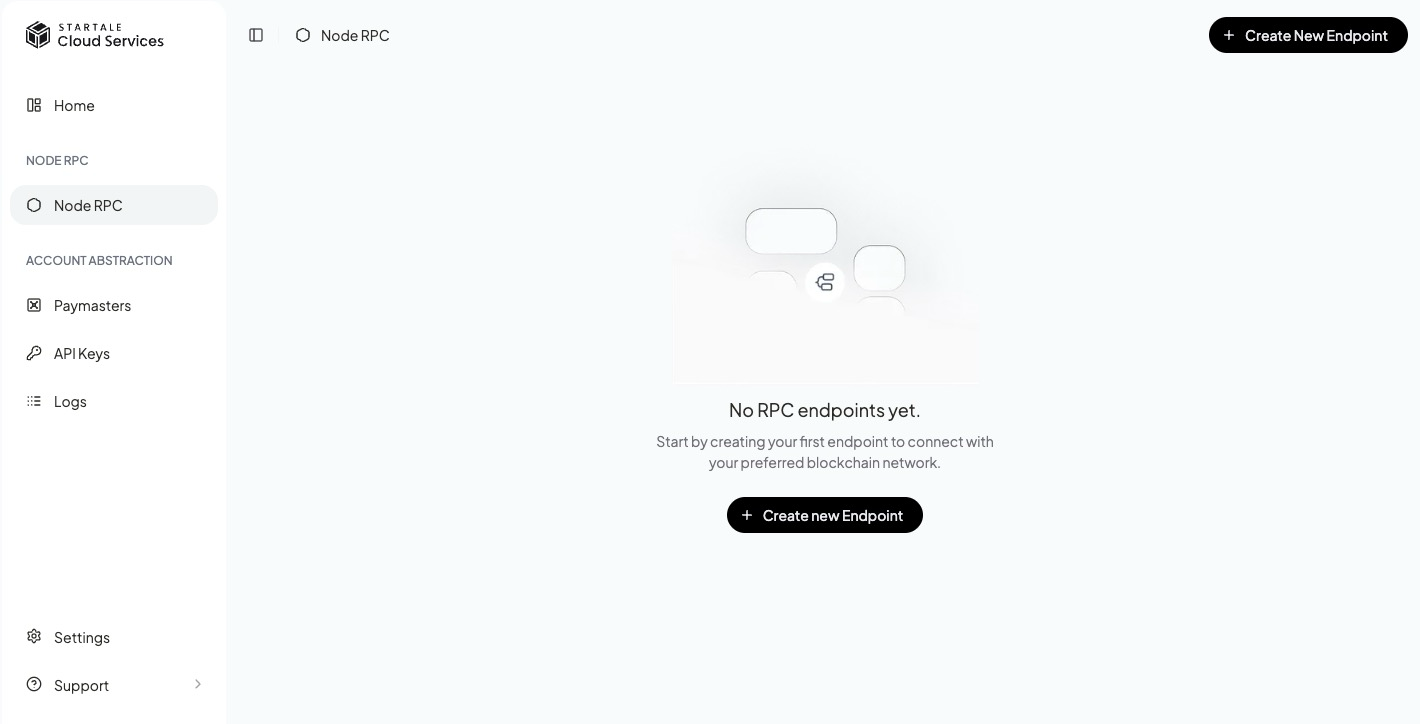
Updated about 1 year ago
Did this page help you?